


Interactive Touch Screen Kiosk Description:
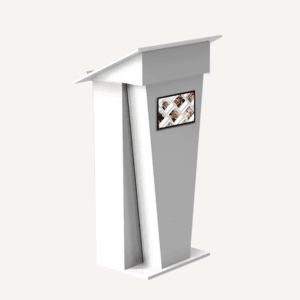
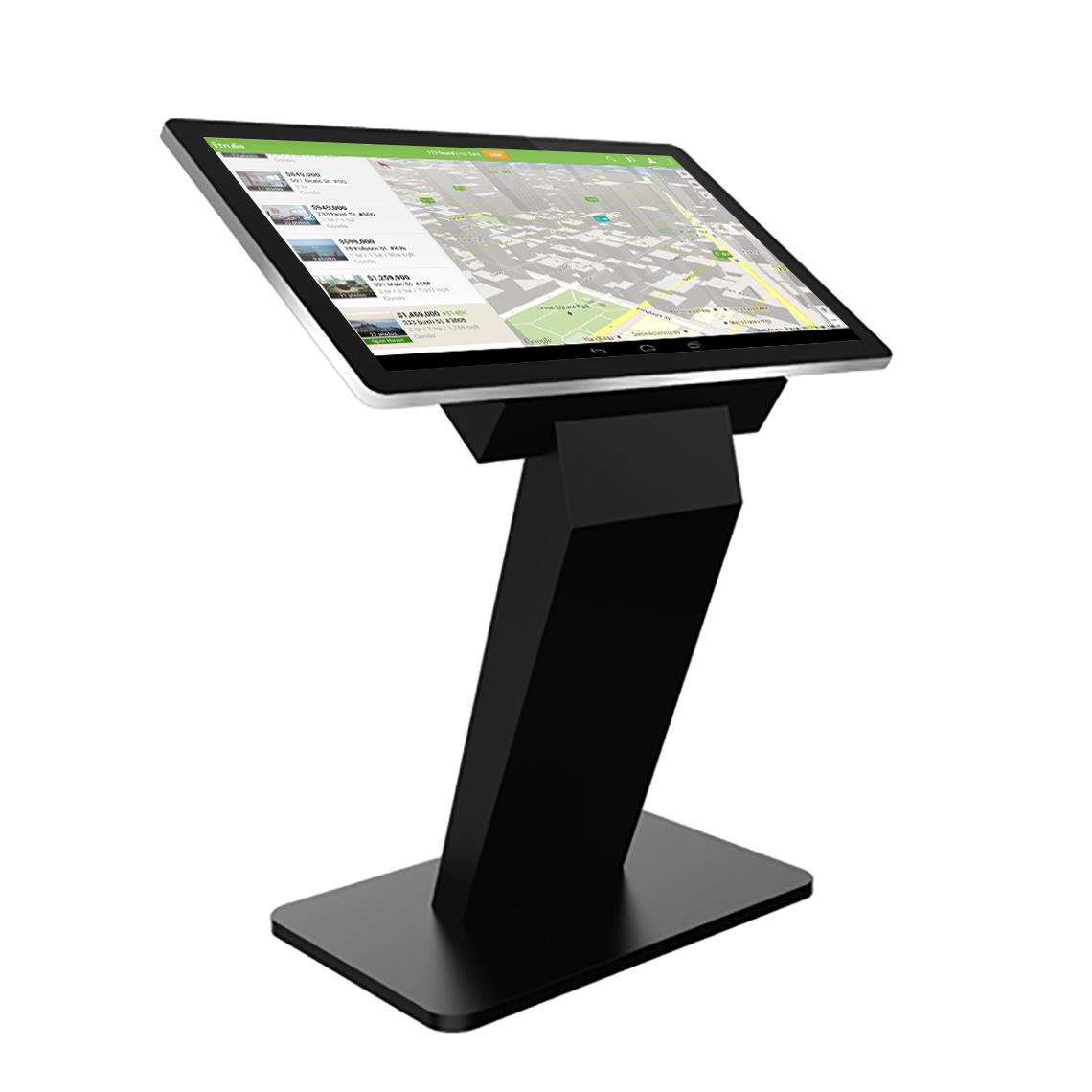
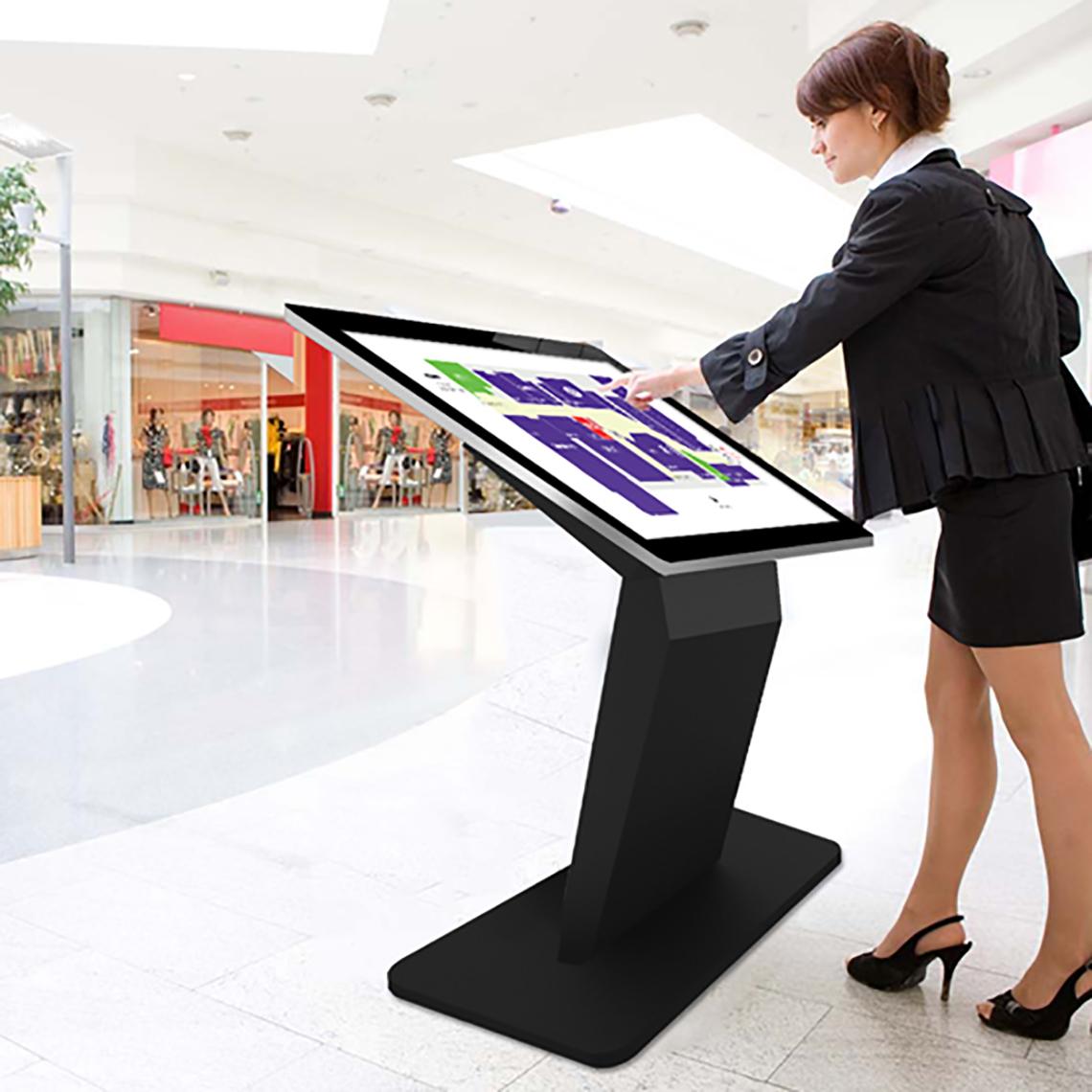
Enhance your business with our Android Digital Touchscreen Kiosk – a sleek, floor-standing solution combining elegant design with powerful functionality. Perfect for use in retail, hospitality, exhibitions, education and public environments, this all-in-one unit features a responsive PCAP touchscreen, edge-to-edge tempered glass front and aluminium bezel – resembling a giant tablet.
Built for 24/7 use with over 70,000 hours of continuous operation, the kiosk includes an integrated Android media player for easy plug-and-play functionality, with optional network CMS upgrades for remote content control. Available in 43″, 50″ and 55″ sizes, it offers a secure internal locker for third-party devices and convenient rear connectivity – making it the ideal digital solution for displaying menus, announcements, adverts and interactive content.
Available Screen Sizes:
- 43″
- 50″
- 55″
Network CMS Options:
- Plug & Play (No Network)
- 1 Year Network Software
- 3 Year Network Software
- Lifetime Network Software
Looking for a Windows operating system? Shop our Digital Touch Screen Kiosk with Windows Operations.
All of our digital screens come with Lifetime Technical Support & A 3-Year Warranty. Extended warranty available through bespoke enquiry.
Did you know that Luminati offers a full Installation service on this screen? Contact us for more information.
Touch Screen Kiosk Features:
- PCAP Touchscreen with 10-Point Multi-Touch: Offers ultra-responsive, smartphone-like interaction with edge-to-edge tempered glass and an aluminium bezel, designed for reliable use in busy commercial spaces.
- Integrated Android OS & Optional Network Upgrade: Comes with a built-in Android media player for plug-and-play operation, with upgrade options for remote content control via Wi-Fi, LAN, or 4G.
- Durable, Anti-Fingerprint Glass with Plasma Treatment: The toughened glass front is oleophobic and fingerprint-resistant, reducing residue and improving touch responsiveness while maintaining high optical clarity.
- Full HD IPS Display with LED Backlight: Delivers vibrant colour and consistent image quality from any angle (178°), with energy-efficient LED technology for enhanced brightness and reduced power consumption.
- 24/7 Commercial-Grade Performance: Engineered for round-the-clock use with high-quality components and a 70,000+ hour panel lifespan – perfect for retail, exhibitions, and other high-traffic environments.
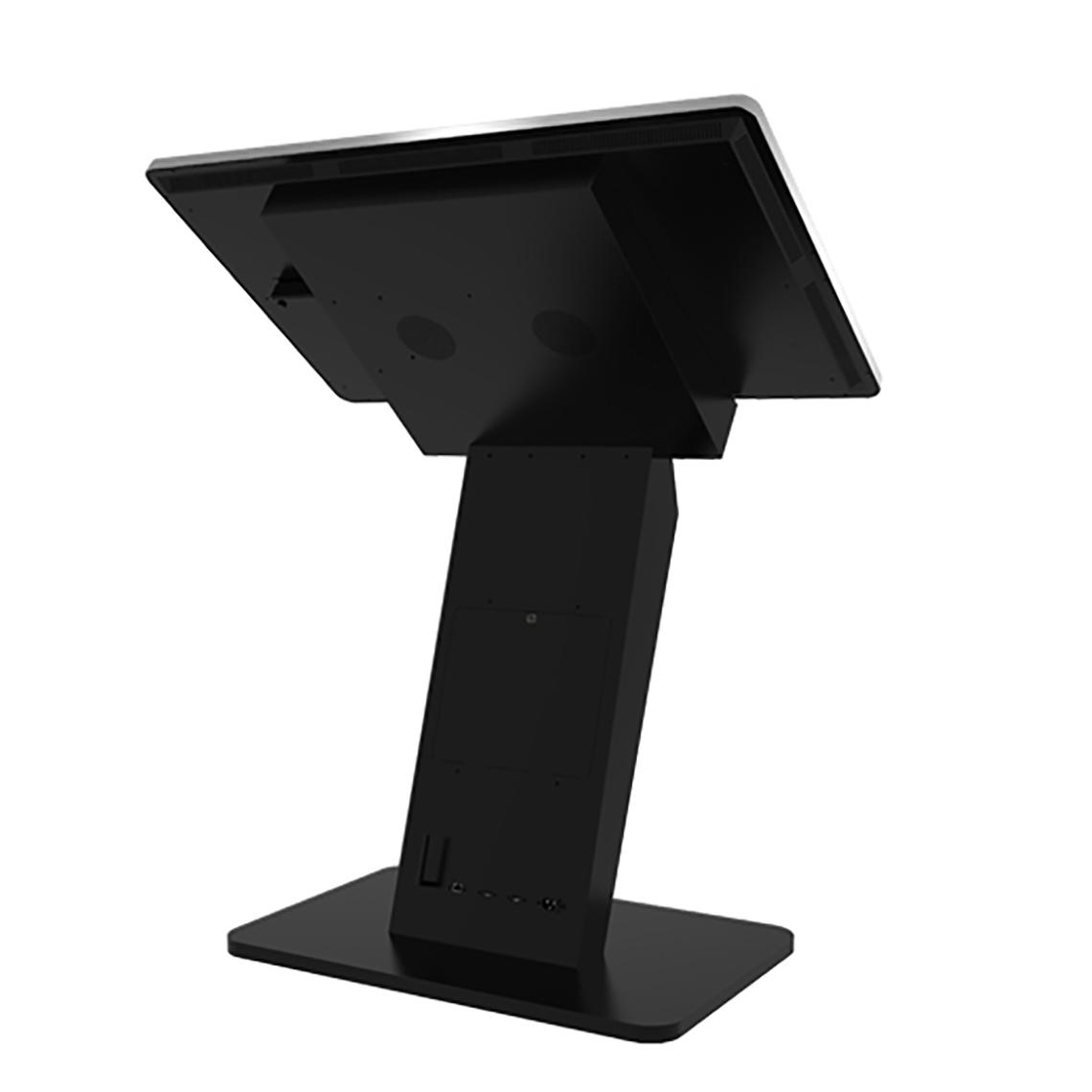
- Secure Media Locker & Rear Connectivity Ports: Internal compartment for external PCs or media players, plus rear-facing ports for easy access to power, USB, Ethernet, and Wi-Fi connections.
Benefits of Using an Interactive Touch Screen Kiosk for Businesses:
- Boost Customer Engagement: Deliver an immersive and intuitive user experience with responsive touchscreen technology.
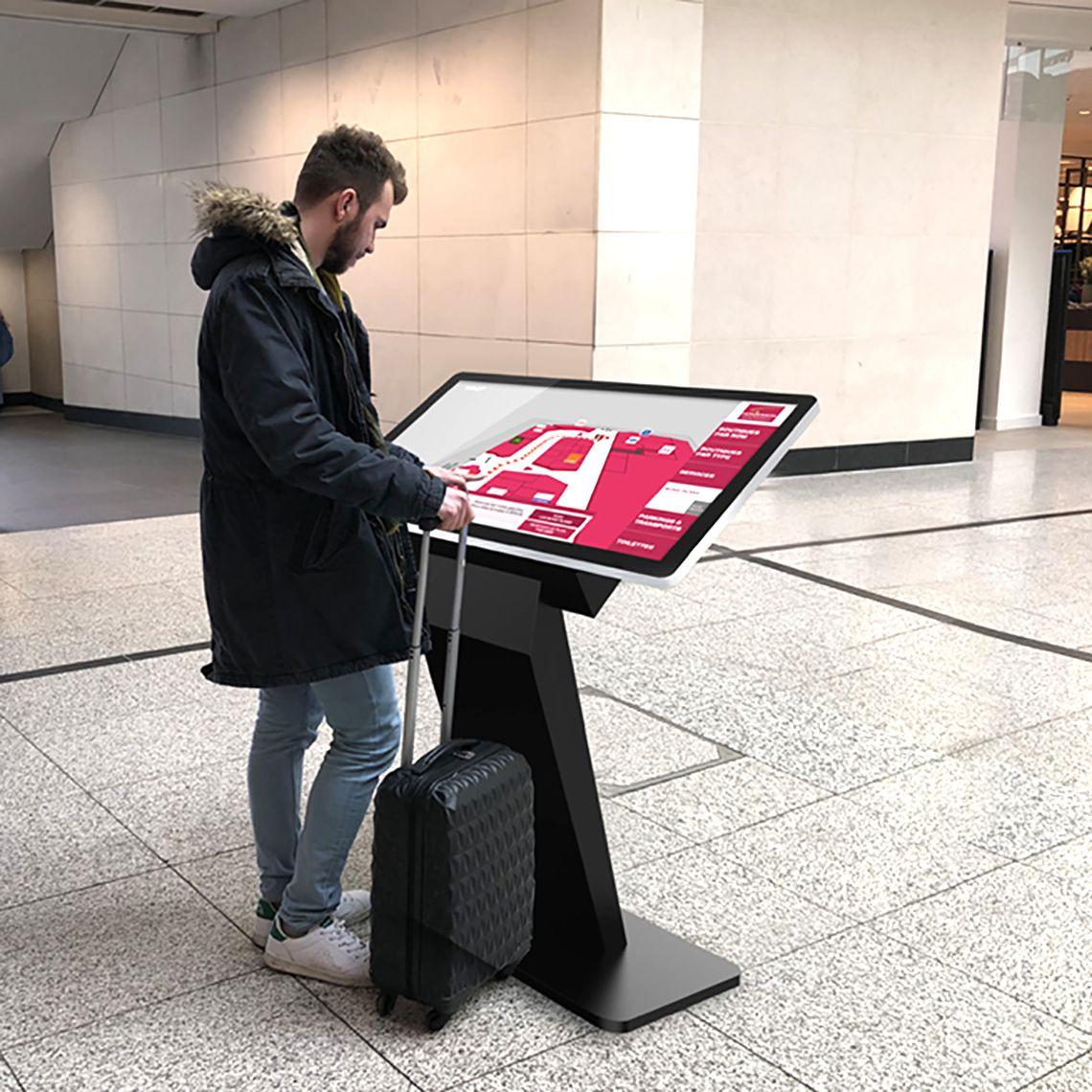
- Streamline Operations: Use for digital check-in, wayfinding, menu browsing, ordering, or self-service.
- Maximise Visibility: High-definition screen and anti-glare glass ensure your content stands out in any environment.
- Customise with Ease: Easily update content in real-time using cloud-based CMS or local USB upload.
- Secure & Professional: Internal storage keeps devices and data safe, while the sleek design enhances your brand aesthetic.
- Reduce Staffing Needs: Self-service functionality can reduce reliance on staff and improve efficiency.
Frequently Asked Questions
Q: How can a touchscreen kiosk improve customer experience in my business?
A: Touchscreen kiosks create interactive, self-service experiences, allowing customers to browse menus, check-in, or access information independently. This reduces wait times, increases engagement, and delivers a modern, tech-savvy impression.
Q: Can I use a digital kiosk for multiple purposes?
A: Yes. Kiosks are versatile tools for displaying promotions, menus, wayfinding, digital signage, self-ordering, or interactive product guides, making them ideal for cafes, restaurants, shops, exhibitions, and public spaces.
Q: What makes a kiosk suitable for 24/7 operation?
A: Commercial-grade components, durable tempered glass, and high-quality touchscreen technology ensure continuous performance for high-traffic areas, maintaining reliability even under heavy daily use.
Q: How do I update content on a digital kiosk easily?
A: You can update content locally via USB or remotely using cloud-based CMS software. Network-enabled kiosks allow scheduling, live updates, and management of multiple screens, keeping your messaging current and engaging.
Q: Are touchscreen kiosks secure for public use?
A: Yes. Internal media lockers and secure rear connectivity keep devices and data protected from tampering, while the durable enclosure prevents damage from high-traffic environments.
Q: What size digital kiosk should I choose for maximum visibility?
A: Larger screens like 50″ or 55″ are ideal for high-traffic locations, offering greater visibility and a more immersive experience. Smaller sizes like 43″ suit more compact areas while maintaining clarity and engagement.
Q: Can a kiosk help reduce staffing needs?
A: Absolutely. By automating tasks such as check-in, ordering, or information browsing, kiosks allow staff to focus on customer service and operations, improving efficiency and reducing long-term labour costs.
Q: How can I ensure my kiosk content is clear and readable in bright environments?
A: Kiosks with anti-glare tempered glass and Full HD IPS LED panels maintain consistent brightness and image clarity, even in brightly lit areas, ensuring messaging is visible to every visitor.
Q: Are kiosks suitable for temporary events or exhibitions?
A: Yes. Lightweight, floor-standing kiosks with foldable or modular designs can be transported easily, providing interactive experiences at trade shows, pop-ups, or temporary events.
Q: How do I choose between Android and Windows kiosks?
A: Android kiosks are ideal for plug-and-play digital signage and simple interactive content, while Windows-enabled kiosks support more complex software, enterprise applications, or custom integrations, depending on your operational needs.
Can I use my own PC or media player inside the unit?
Yes. There’s a secure internal locker for connecting your own third-party devices.
Can I mount it in portrait orientation?
Yes – the 43” and 50” versions can be used in both landscape and portrait orientations.
Do you offer installation or support services?
Yes, installation and support services are available. Please contact us for details.